Home > Preferences
Overview
The Preferences module, accessible from Home > Preferences in the Exigo admin panel, allows each user to personalize their experience within the admin portal. It is organized into four sections: General Settings, Localization Settings, Calendars, and Password.
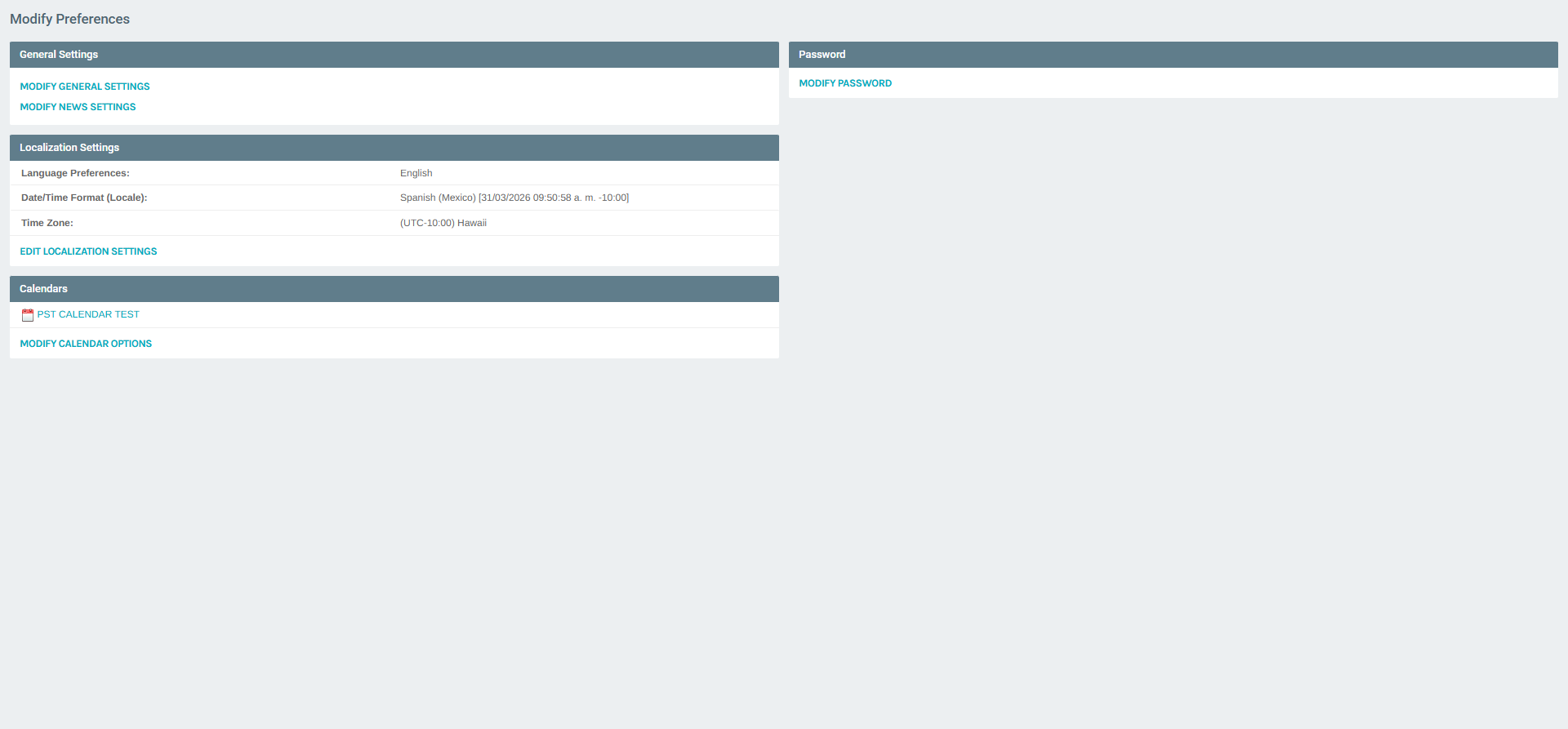
Navigating to Preferences
- Log in to the Exigo admin panel.
- In the left sidebar, expand the Home section.
- Click Preferences.
The Preferences portal opens showing a summary of each section with quick-access buttons.
Portal Sections
| Section | Description |
|---|---|
| General Settings | Configure weather location zip codes and news feed categories |
| Localization Settings | Set language, date/time format, and time zone |
| Calendars | Manage personal calendars, their options, and shared access |
| Password | Change your admin account password |
General Settings
Click MODIFY GENERAL SETTINGS to open the Edit Preferences dialog. This dialog contains three tabs: General, News, and Password.
General Tab (Weather Locations)
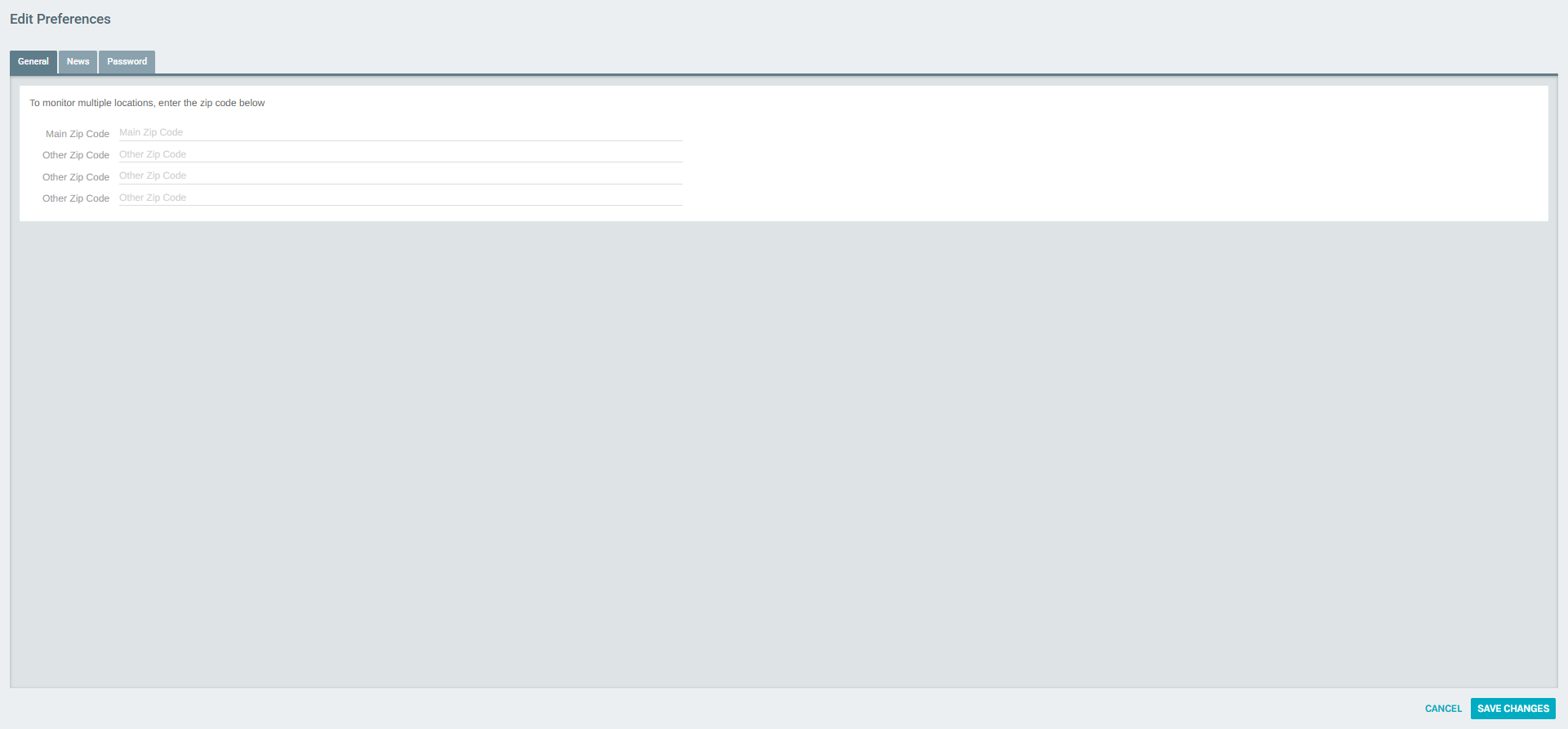
The General tab allows you to configure up to four ZIP codes for the weather widget displayed on the Home > Today dashboard.
| Field | Description |
|---|---|
| Main Zip Code | Primary location for the weather widget |
| Other Zip Code (×3) | Up to three additional locations to monitor |
News Tab
The News tab lets you select which news feed categories appear in the Headlines widget on the Home > Today dashboard.
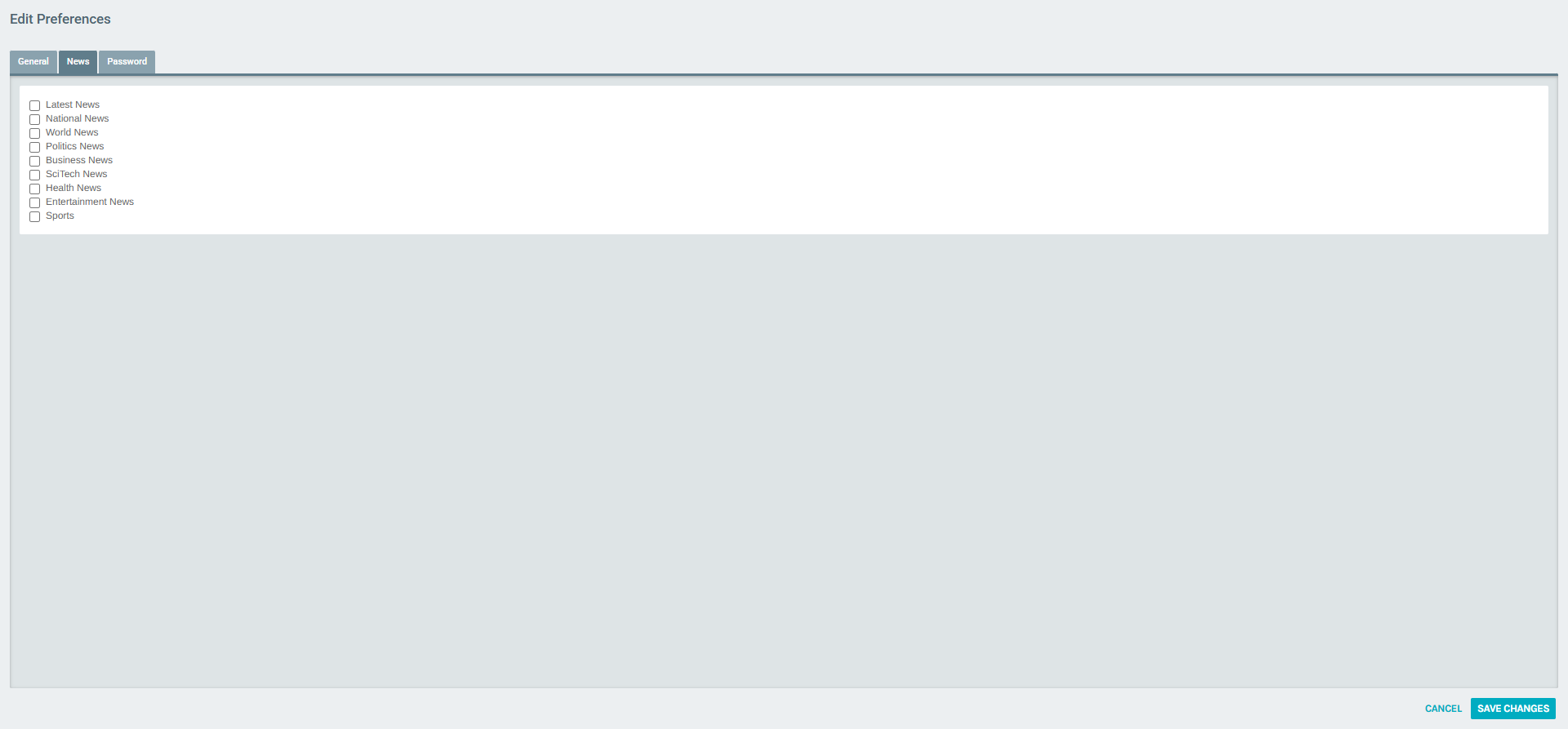
Available categories:
| Category | Description |
|---|---|
| Latest News | Top breaking stories |
| National News | News from within the country |
| World News | International news |
| Politics News | Political stories |
| Business News | Finance and business updates |
| SciTech News | Science and technology articles |
| Health News | Health and wellness stories |
| Entertainment News | Entertainment and pop culture |
| Sports | Sports news and updates |
Check the categories you want to display and click SAVE CHANGES.
Password Tab
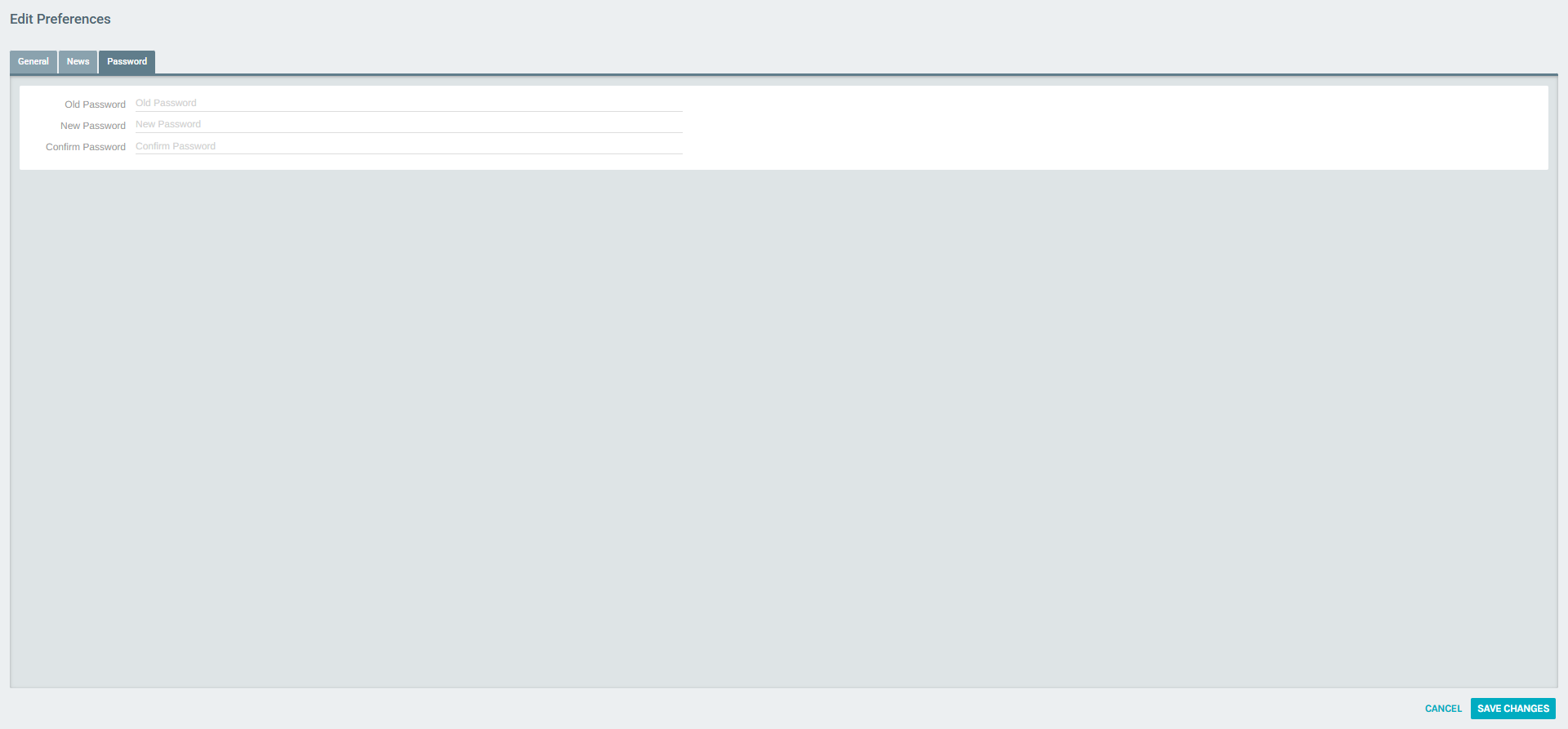
The Password tab is also accessible directly by clicking MODIFY PASSWORD from the Preferences portal.
| Field | Description |
|---|---|
| Old Password | Your current password (required for verification) |
| New Password | The new password you want to set |
| Confirm Password | Re-enter the new password to confirm |
Localization Settings
Click EDIT LOCALIZATION SETTINGS to configure your language, locale, and time zone preferences.
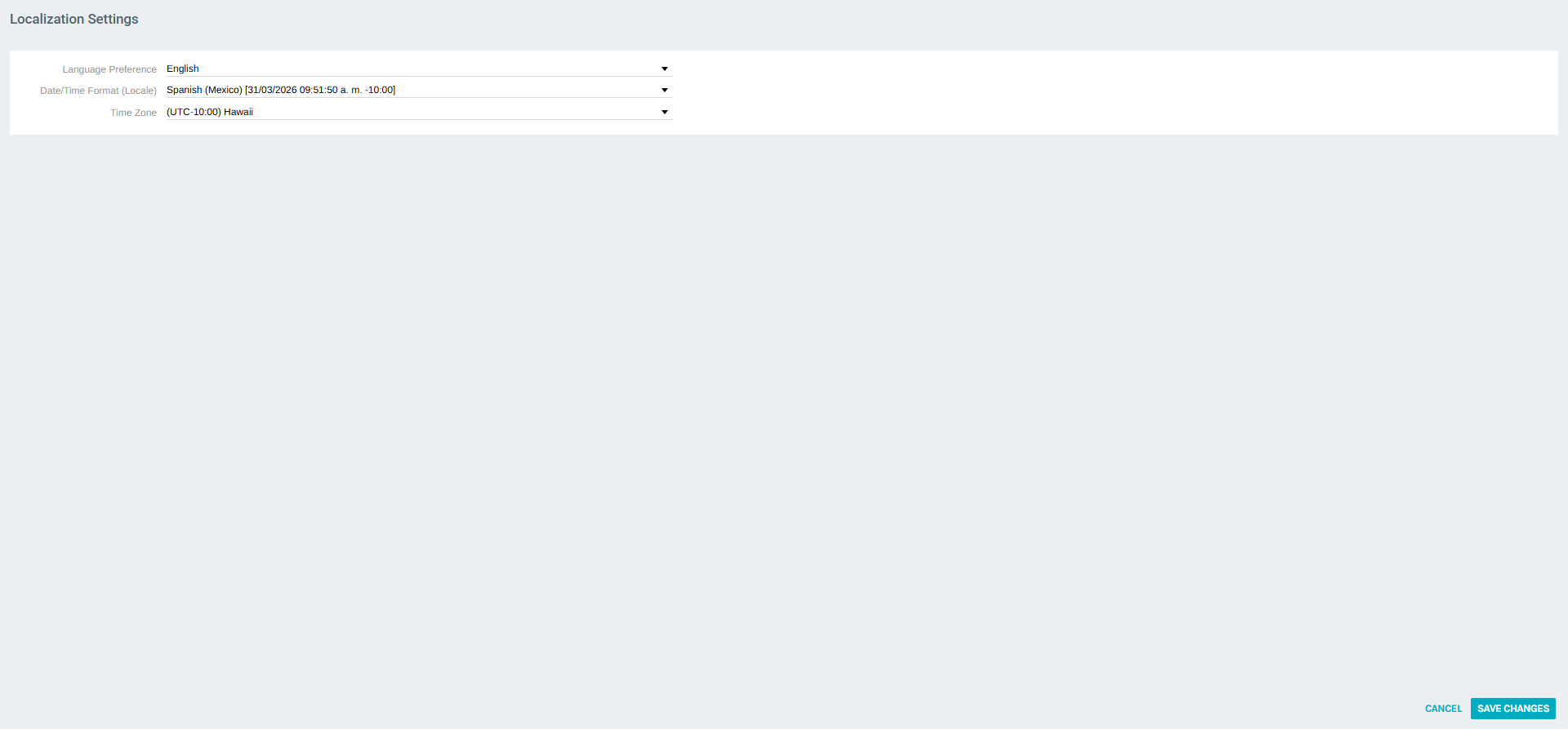
| Field | Description |
|---|---|
| Language Preference | The display language for the admin interface (e.g., English) |
| Date/Time Format (Locale) | Controls how dates and times are displayed (e.g., Spanish (Mexico)) |
| Time Zone | Your local time zone for all date/time calculations (e.g., UTC-10:00 Hawaii) |
After adjusting these settings, click SAVE CHANGES.
Calendars
The Calendars section manages personal calendars that can be used in the Home > Calendar module.
Calendar List
Click MODIFY CALENDAR OPTIONS to view and manage all calendars associated with your account.
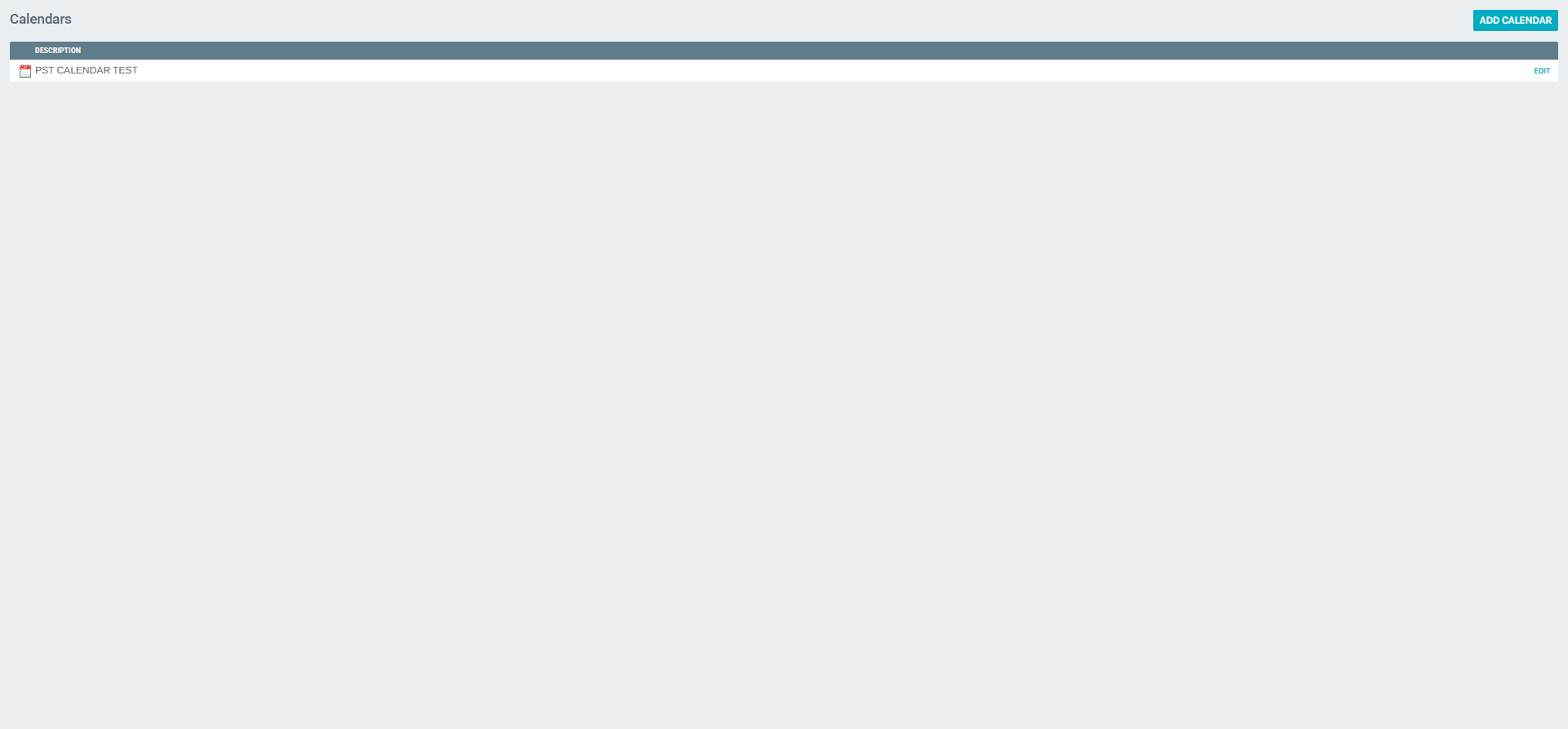
From the list, you can: - Click ADD CALENDAR to create a new calendar. - Click EDIT next to a calendar to modify its settings.
Edit Calendar – Options Tab
The Options tab defines calendar behavior and display settings.
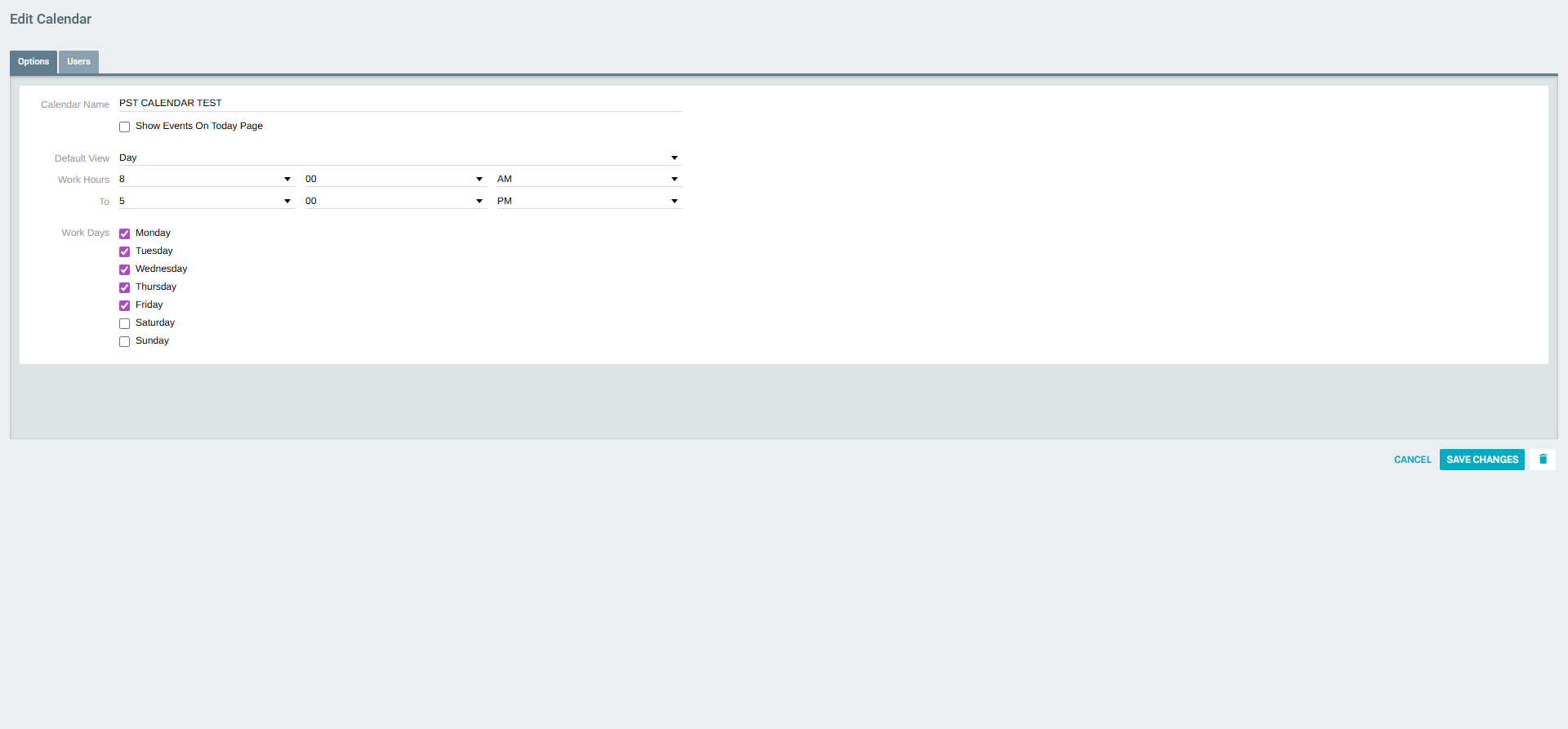
| Field | Description |
|---|---|
| Calendar Name | Display name for the calendar |
| Show Events On Today Page | Checkbox to show this calendar's events in the Home > Today widget |
| Default View | The default calendar view (Day, Week, or Month) |
| Work Hours | Define the start and end time for the work day |
| Work Days | Select which days of the week are work days (Mon–Sun) |
Edit Calendar – Users Tab
The Users tab controls which other admin users can access the calendar and their level of permission.
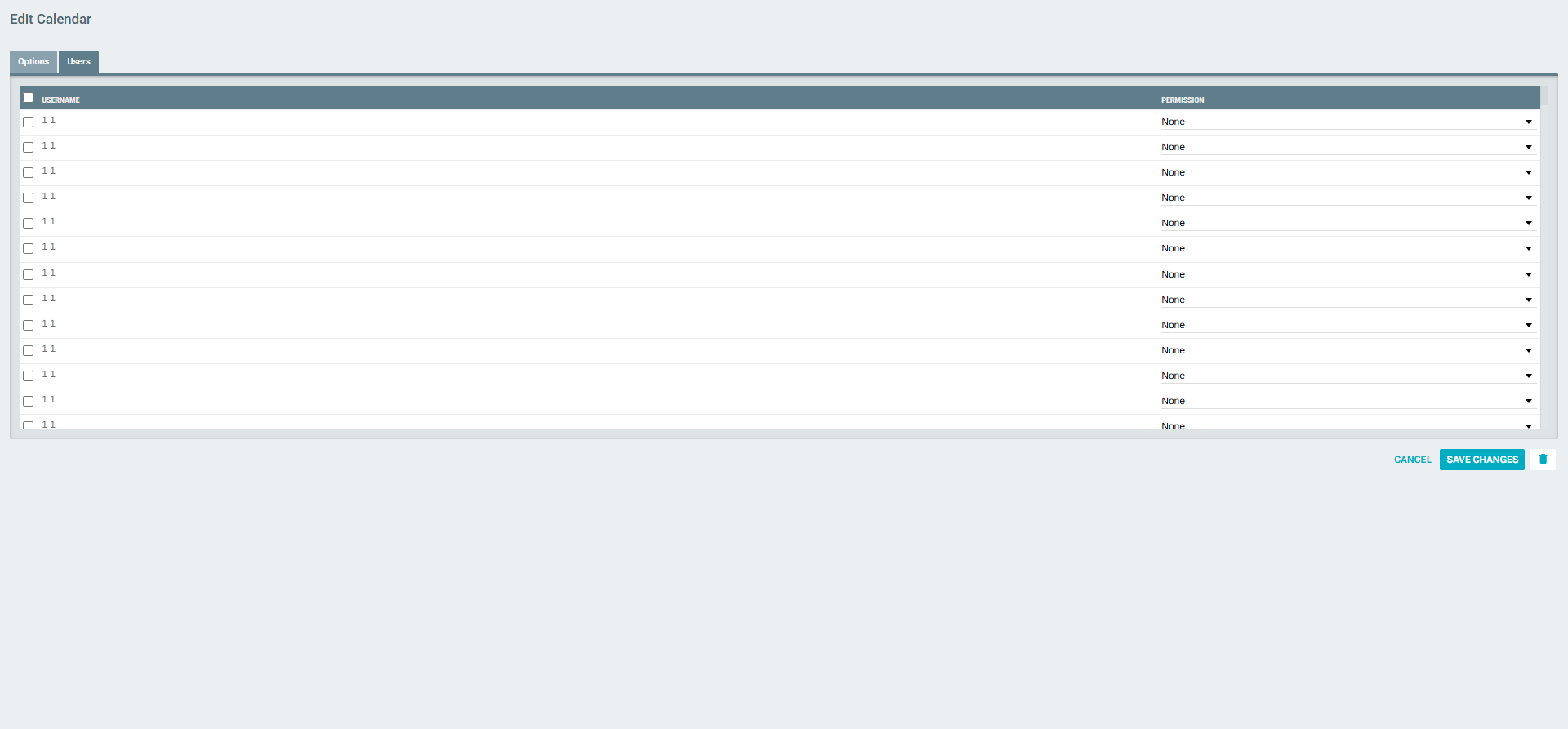
| Column | Description |
|---|---|
| (Checkbox) | Select users to grant access |
| Username | The admin user's full name |
| Permission | Access level: None, Read Only, or Full Control |
Enable the checkbox next to a user and set their Permission level, then click SAVE CHANGES to share the calendar.
Summary
| Feature | Description |
|---|---|
| Location | Home > Preferences |
| Scope | Per-user (each admin configures their own preferences) |
| General Settings | Weather ZIP codes, News feed categories, Password |
| Localization | Language, Date/Time locale, Time Zone |
| Calendars | Create and manage personal calendars with work hours, views, and user sharing |