Customer Inquiries
Overview
The Customer Inquiries module is accessible under the Customer section in the Exigo admin panel. It provides a centralized, read-only global list of all customer inquiries recorded in the system, allowing administrators to quickly review and navigate to the corresponding customer records.
Accessing the Module
Navigate to: Customer > Inquiries in the left sidebar.
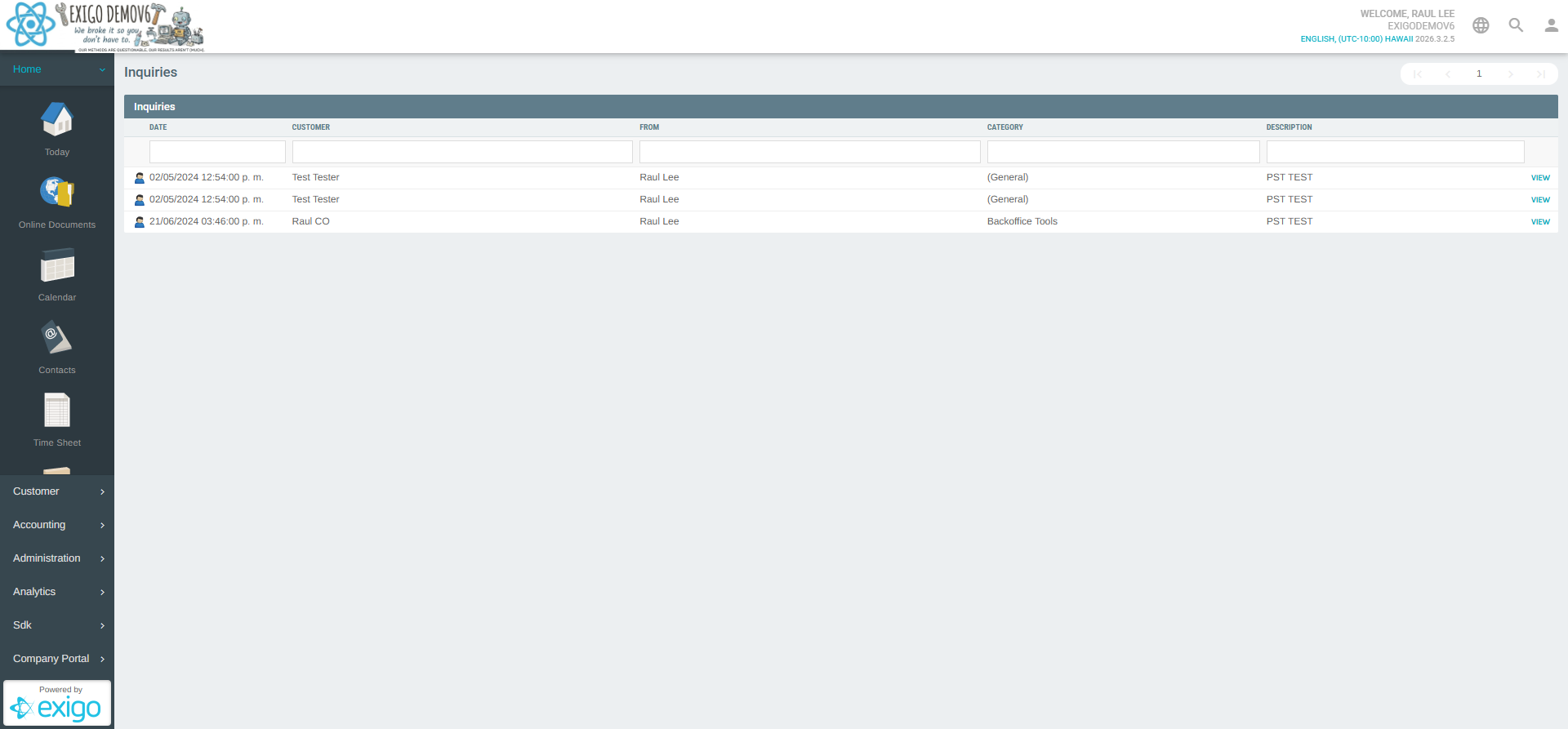
Global Inquiries List
The main view displays all inquiries across all customers in a sortable, filterable table.
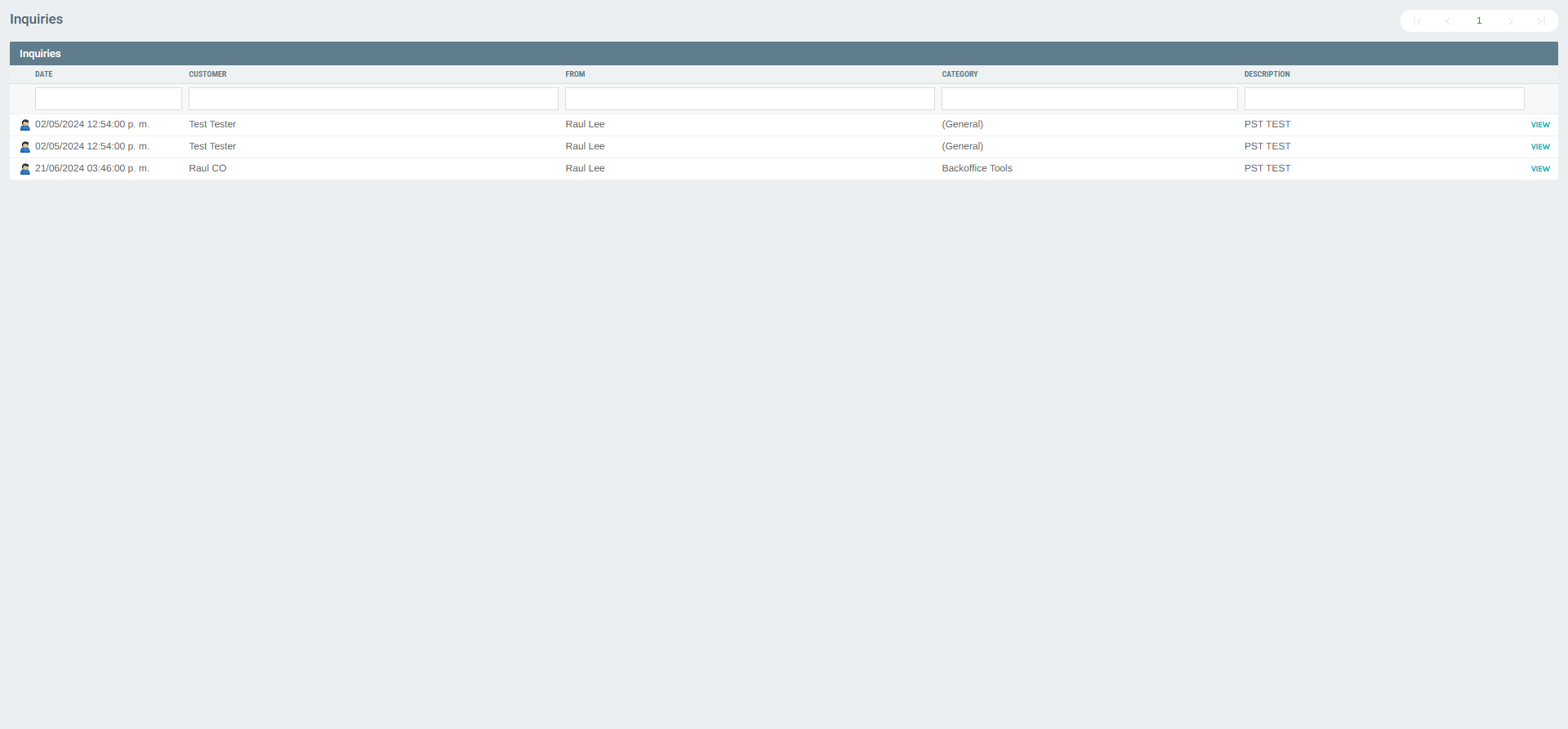
List Columns
| Column | Description |
|---|---|
| DATE | Date and time the inquiry was recorded |
| CUSTOMER | Name of the customer associated with the inquiry |
| FROM | Admin user who created or owns the inquiry |
| CATEGORY | Category of the inquiry (e.g., General, Backoffice Tools) |
| DESCRIPTION | Short text description of the inquiry |
| VIEW | Action button to navigate to the customer's portal |
Sorting
Each column header supports ascending/descending sorting by clicking the column title.
Filtering
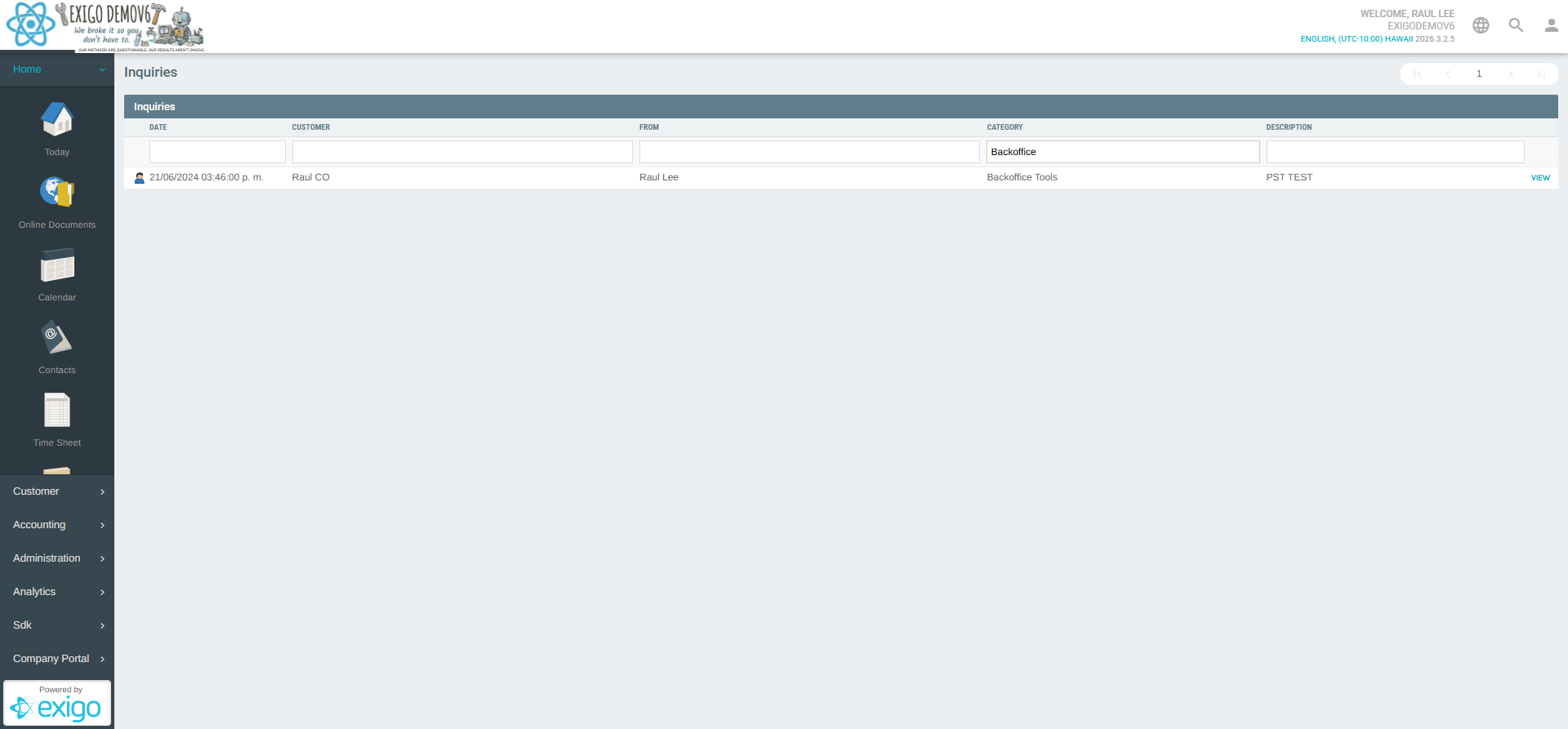
Each column has an inline search/filter box beneath the header row. Typing in any filter box immediately filters the list to matching records in real time.
Pagination
The list includes pagination controls at the top:
- first_page — Jump to the first page
- chevron_left — Go to the previous page
- Page number input — Enter a specific page number directly
- chevron_right — Go to the next page
- last_page — Jump to the last page
Viewing an Inquiry (Customer Portal)
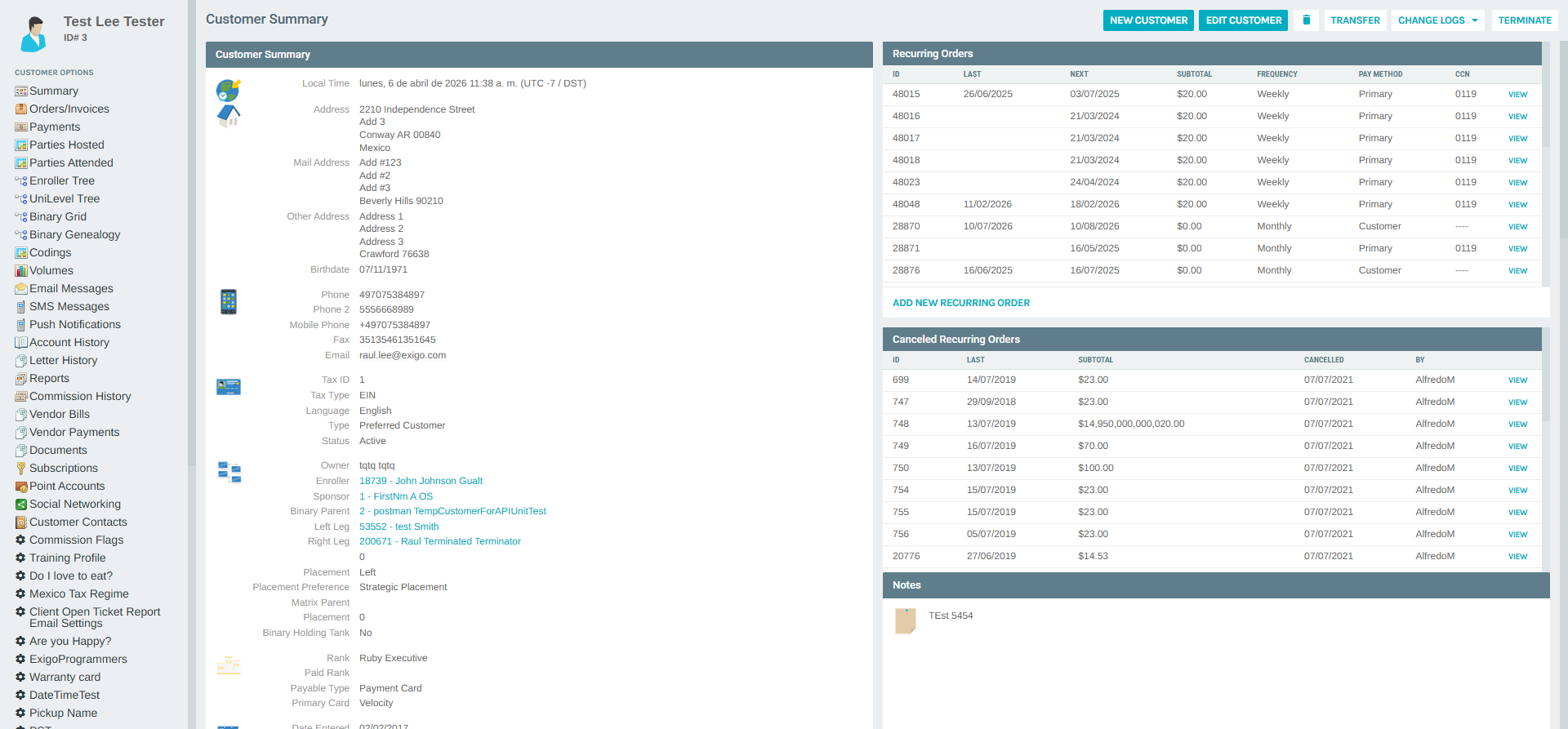
Clicking the VIEW button on any inquiry row navigates to the Customer Portal for the associated customer. From the Customer Portal you can access the full customer profile, including their orders, payments, account history, and more.
Notes
- The global Inquiries list is a read-only view — new inquiries cannot be created directly from this module.
- Inquiries are associated with specific customers and are visible in the Customer Portal context.
- The FROM column identifies the Exigo admin user linked to each inquiry record.
- Use the column filters to narrow results by date, customer name, category, or description to quickly locate specific inquiries.