Accounting / Order Development
Overview
The Order Development menu item opens the legacy order plan list route (Order/OrderPlanList). In current environments, order calculation development and deployment are managed through the Order Calc SDK, not through a standalone editor on that screen.
Navigation: Accounting > Order Development
Redirect to Order Calc Sdk
When you open Accounting > Order Development, the page shows a notice that order development has moved to the Order Calc Sdk, with a link to the SDK application list.
What to do: Use the Order Calc Sdk link (or go to Sdk > Order Calc in the sidebar) to register order calculation applications, queue builds from Git, and deploy versions.
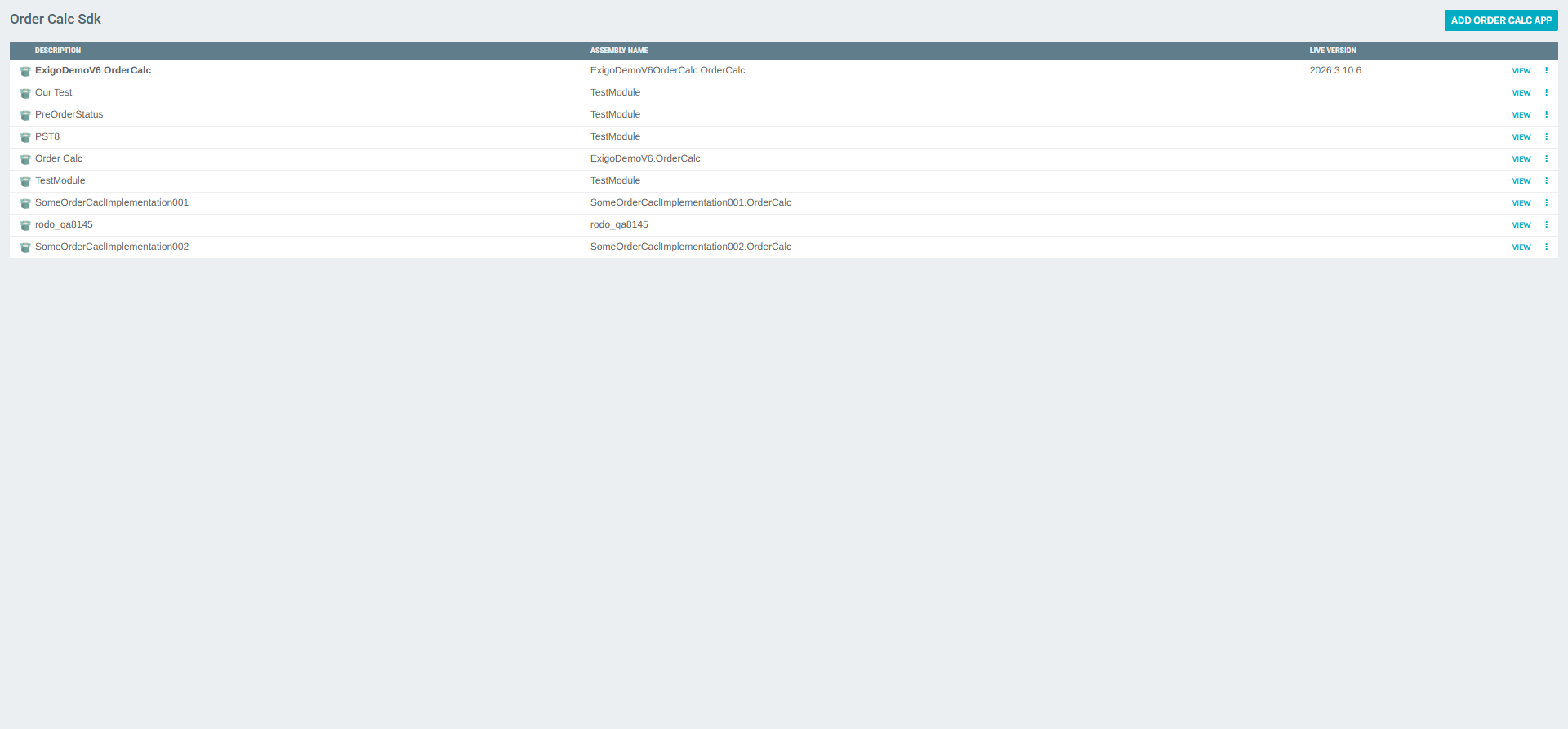
Order Calc Sdk (application list)
The Order Calc Sdk page lists registered order calculation applications. Each row includes a display description, the .NET assembly name, the live version in production when one is assigned, and row actions.
Toolbar
| Control | Description |
|---|---|
| ADD ORDER CALC APP | Opens the form to register a new order calc application. |
Columns
| Column | Description |
|---|---|
| Description | Friendly name of the app in the admin UI. |
| Assembly Name | CLR assembly implementing the order calculation engine. |
| Live Version | Label of the build currently deployed as live (may be empty). |
Row actions
- VIEW — Opens the Order Calc Portal for that
CompanyAppID(builds, Git, refresh). - more_vert — Additional actions depending on permissions and app state.
Order Calc Portal (per application)
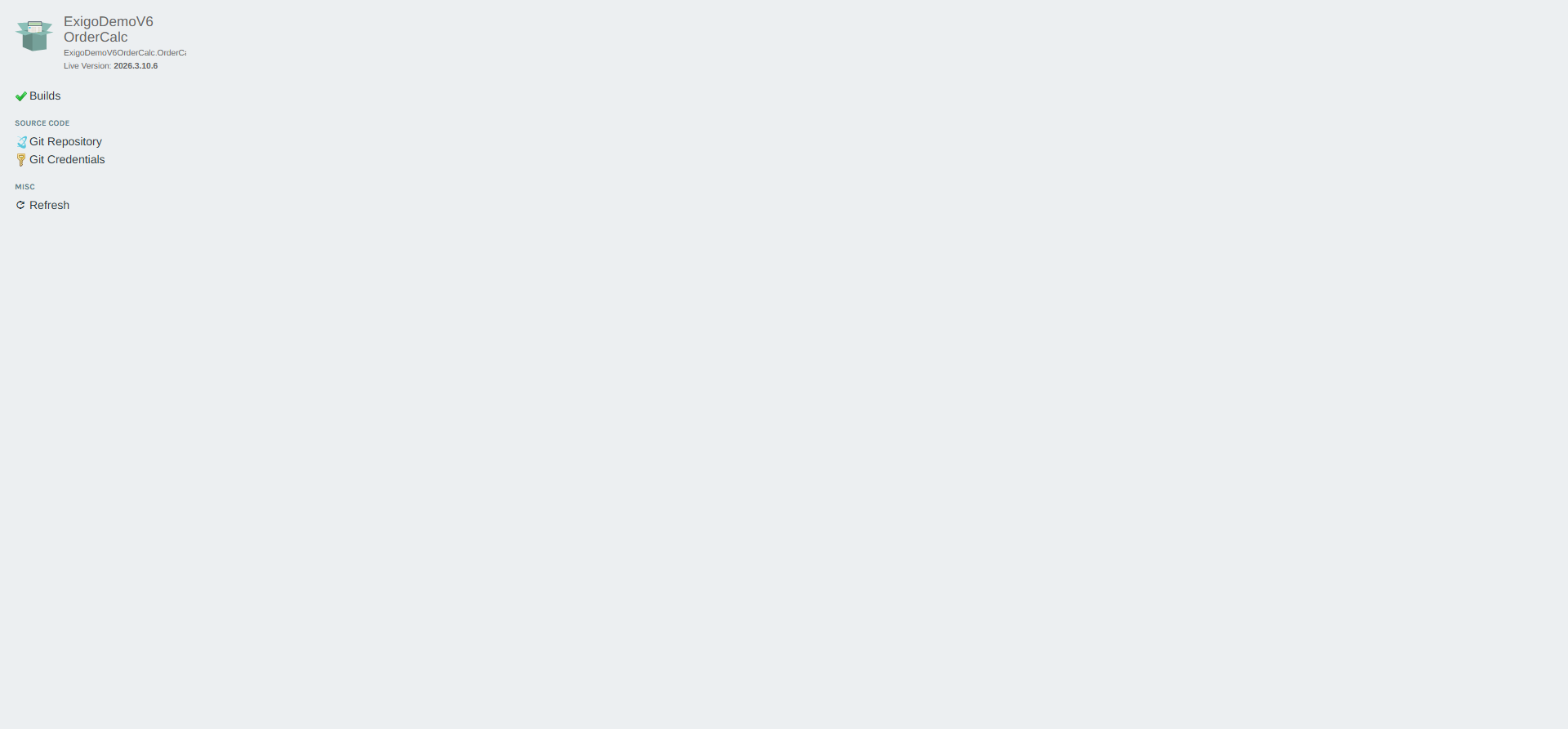
Choosing VIEW on an app opens the Order Calc Portal, focused on builds and source control for that assembly.
Header
- App description and assembly name
- Live Version for the active deployment
- Builds link — aligns with the embedded Builds panel
Source code
| Link | Description |
|---|---|
| Git Repository | Repository settings for this order calc app. |
| Git Credentials | Credentials used to pull source for builds. |
Misc
| Link | Description |
|---|---|
| Refresh | Reloads the portal page. |
Builds panel (iframe)
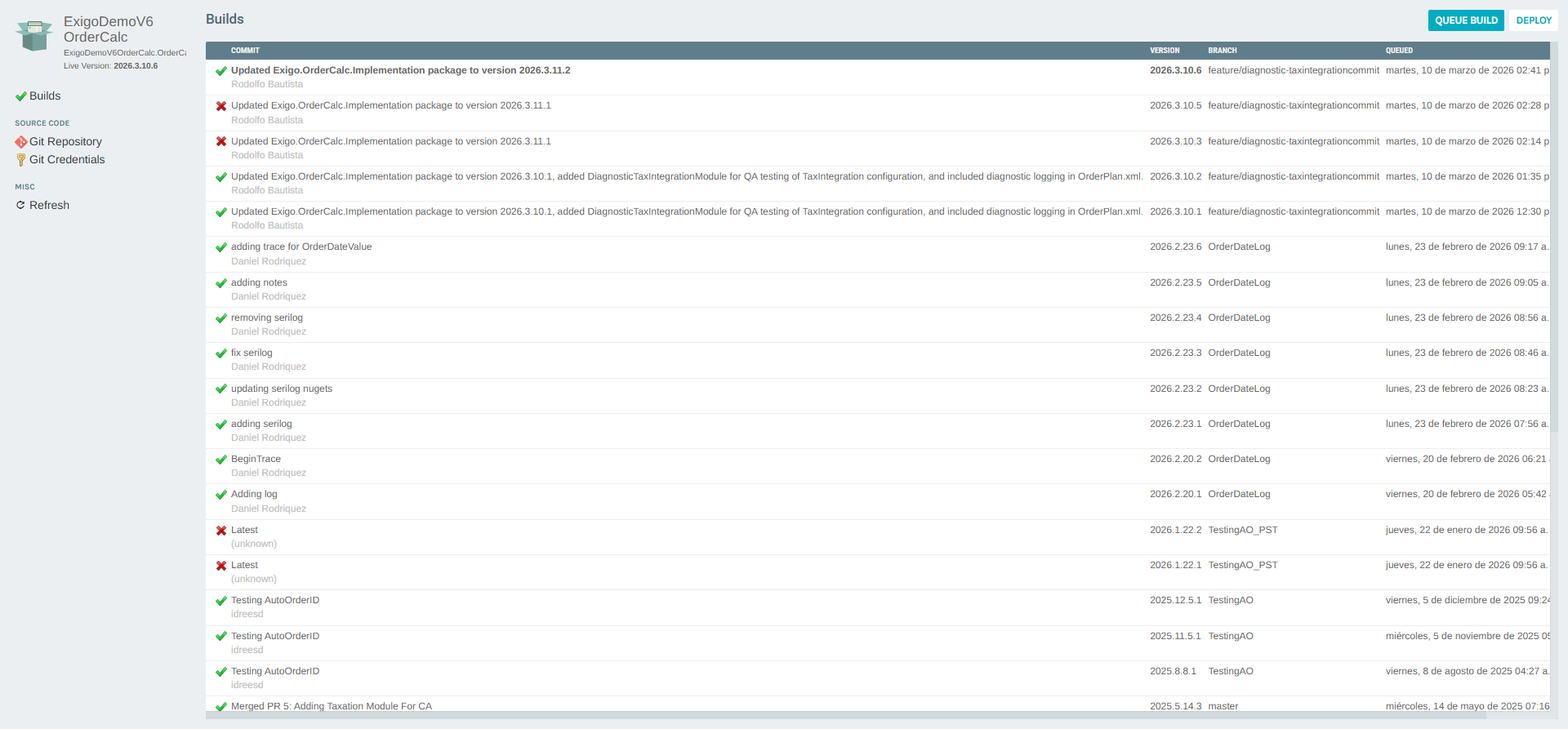
The main area lists builds produced from the connected repository:
- QUEUE BUILD — Enqueues a new build from the configured branch/commit workflow.
- DEPLOY — Promotes a selected build toward the live order calc version after validation.
Typical columns include Commit (message), Version, Branch, and Queued (timestamp). Row more_vert menus may offer download, logs, or other build operations.
Add Order Calc App
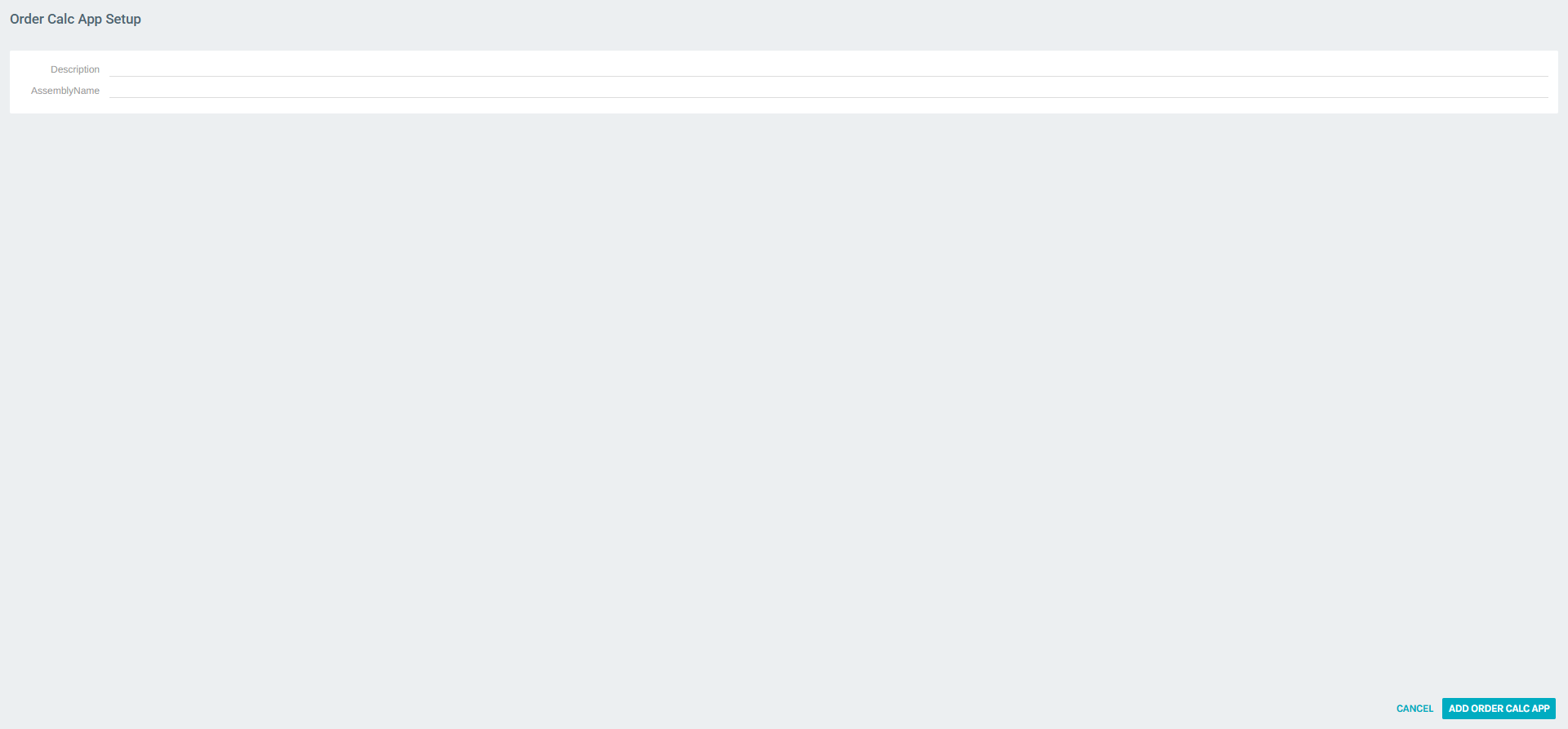
ADD ORDER CALC APP opens Order Calc App Setup.
| Field | Description |
|---|---|
| Description | Name shown in the Order Calc Sdk list. |
| AssemblyName | Assembly name of the order calculation implementation (required). |
Use ADD ORDER CALC APP to save, or CANCEL to leave without creating the app.
Key workflows
Reach order development after the redirect
- Go to Accounting > Order Development.
- Click Order Calc Sdk (or Sdk > Order Calc).
- Click VIEW on the application you maintain.
Register a new order calc application
- Open Order Calc Sdk and click ADD ORDER CALC APP.
- Enter Description and AssemblyName.
- Configure Git Repository and Git Credentials from the portal.
- Use QUEUE BUILD and DEPLOY to ship tested versions to Live Version.
Update the live order calculator
- Open the app’s Order Calc Portal.
- Confirm builds in the list; use QUEUE BUILD for new commits as needed.
- Use DEPLOY to move the desired Version to live (follow your company’s change process).